MoonTerminal · Settings and interface ·
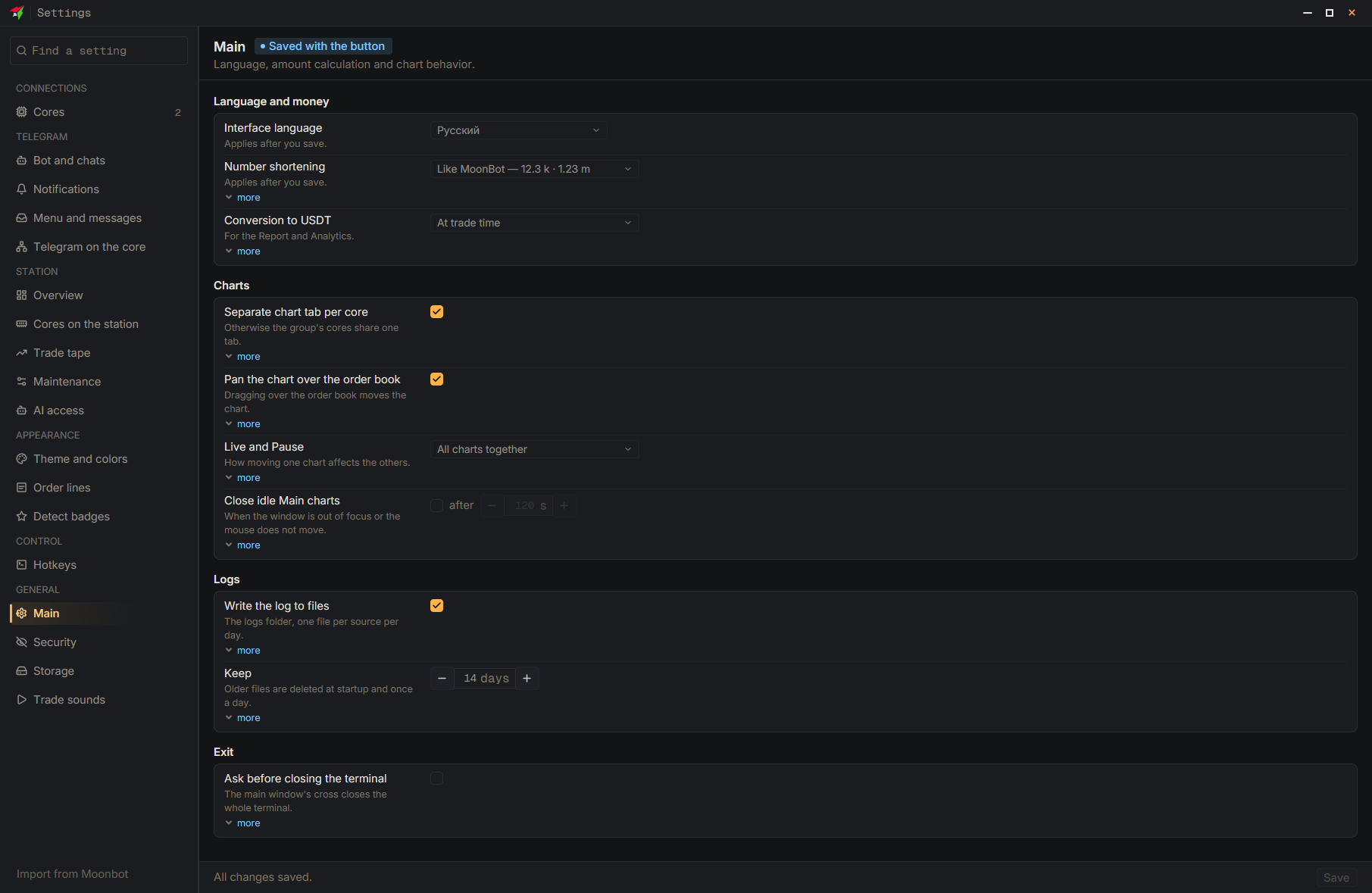
In “Settings” → “General”, choose “Number abbreviation” and click “Save”. “As in Moonbot” (this is the default) uses a lowercase letter with a space: 12.3 k, 1.2 m, 1.5 b. “Compact” uses an uppercase letter without a space: 12.3K, 1.2M, 1.5B. This applies to thousands, millions and billions in volumes and amounts across the whole terminal. How many digits to keep is decided by the place itself: in table columns there is always one decimal place, so the points line up; in chart labels there are three significant digits. In “Report”, sorting, export to CSV and Excel, and copying rows use the full number.
- Settings
- Main
- Number shortening
- Save