MoonTerminal · Settings and interface ·
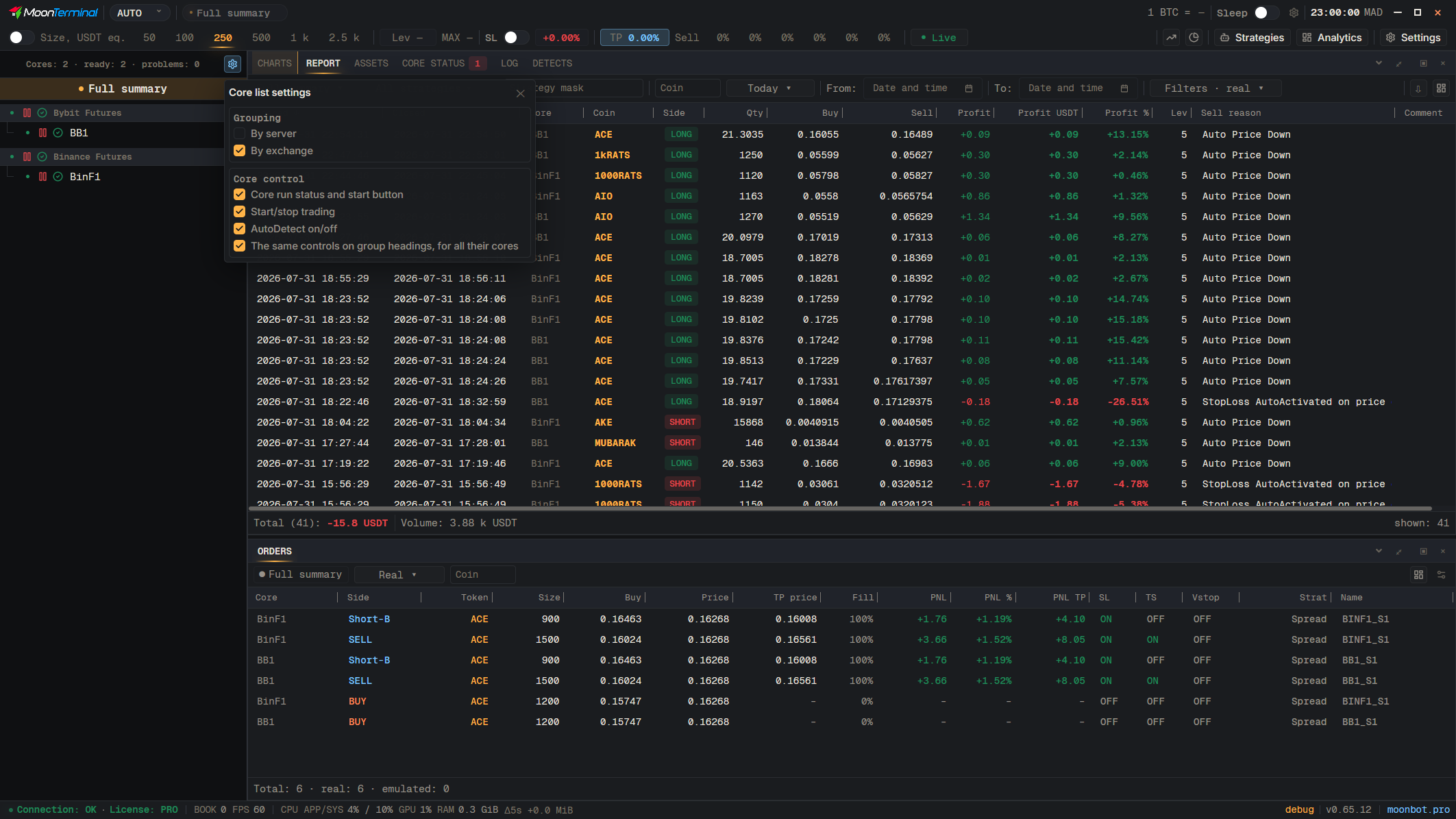
In AUTO mode, click the gear above the cores list on the left. The first settings group, “Grouping”, holds two checkboxes. “By server” adds server headers, meaning the machines the cores run on; “By exchange” keeps exchange headers, and together with servers they sit inside their server. Untick both and the cores will be shown as one list. By default only “By exchange” is enabled. The server is named the same way as in “Cores Status”: “Server N” or the name you gave it there. Cores whose address is still unknown are collected in a “Server not detected” block at the bottom. The buttons on a server header (core status and start, start and stop of auto trading, auto detect) apply to all of its cores while the checkbox “The same controls on group captions, on all their cores” is ticked.
- MANUAL / AUTO — Open the mode list
- AUTO mode — Turn on AUTO: the list of cores appears on the left
- Core list settings — Gear above the cores list
- By server — Server headers will appear on the left, with exchanges inside them