MoonTerminal · Settings and interface ·
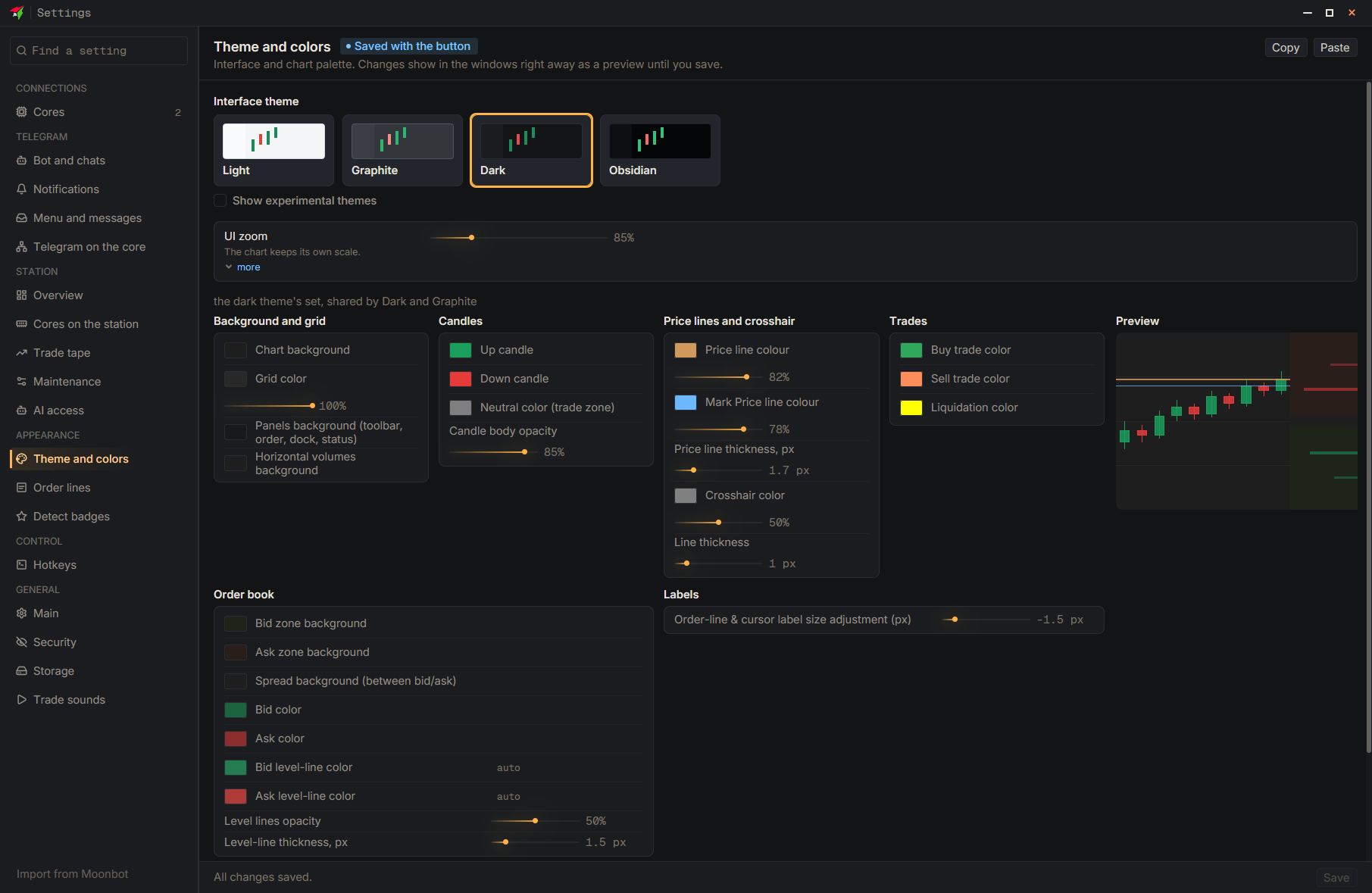
The “Theme and colors”, “Order lines”, “Detect badges” and “Hotkeys” pages have “Copy” and “Paste” buttons. “Copy” puts the page's settings as text on the clipboard, which you can send or save to a file. “Paste” applies such text as a preview; to keep the settings, press “Save”.
- Settings
- Theme and colors
- Copy — The text goes to the clipboard
- Paste — On the recipient's side; then “Save”
- Save — At the bottom of the settings window