MoonTerminal · Settings and interface ·
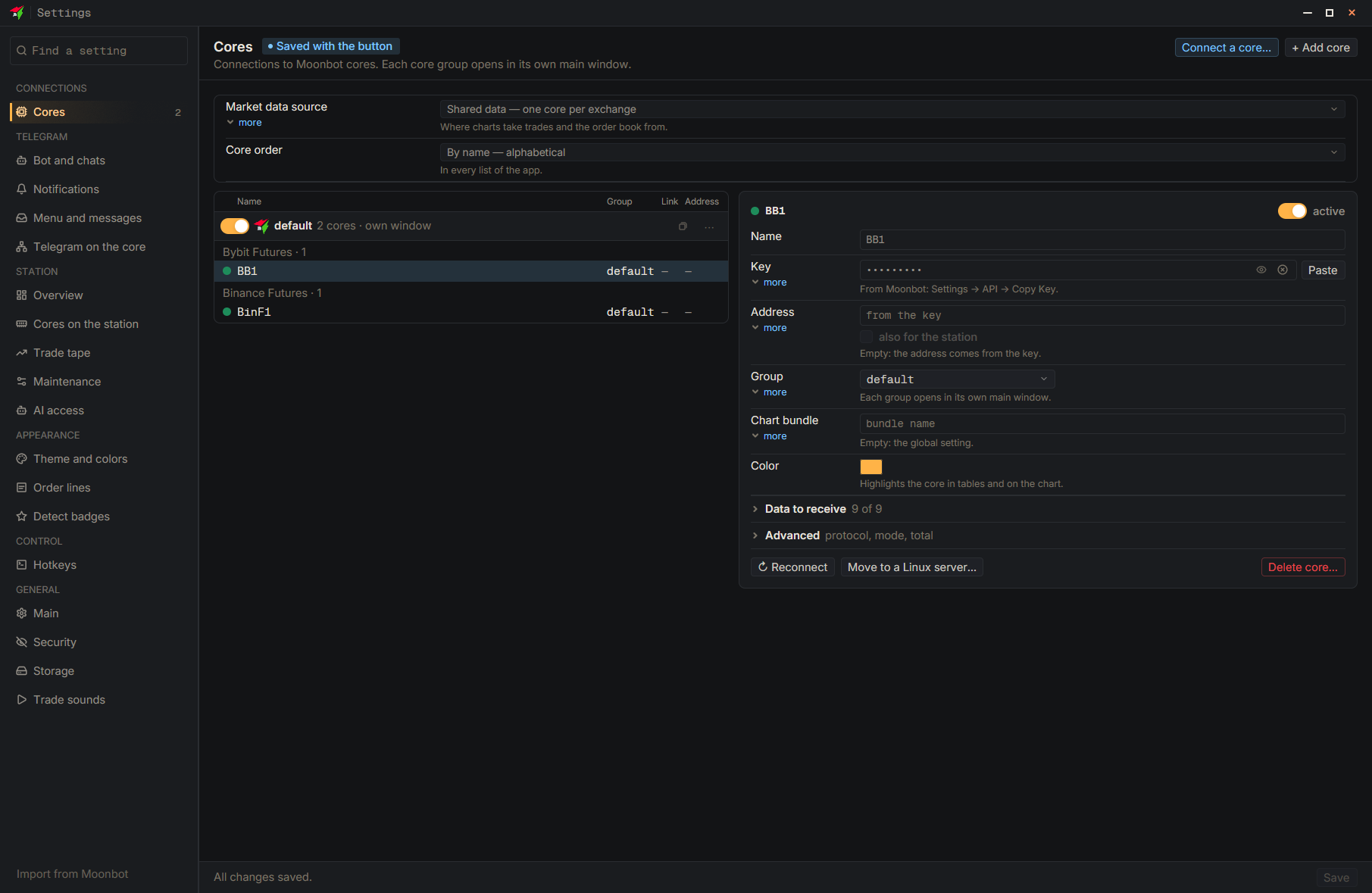
In Moonbot, open “Settings”, the “General” tab, and press “Copy settings”. In the terminal, in the “Settings” window, press “Import from Moonbot” at the bottom of the page list: a preview appears showing what will be carried over, including “Order sizes B1-B6”, “Fixed sell percentages (S1-S6)”, colors and hotkeys. Mouse gestures are not carried over by this import. The import applies to groups of the selected cores; a core with its own settings is skipped. After “Apply” the values go into the draft; they are written to disk only with the “Save” button.
- Settings
- Import from Moonbot — First copy the settings in Moonbot: “Settings” → “General” → “Copy settings”
- Apply — In the “Moonbot settings import” window
- Save — At the bottom of the Settings window