MoonTerminal · Screener and panels ·
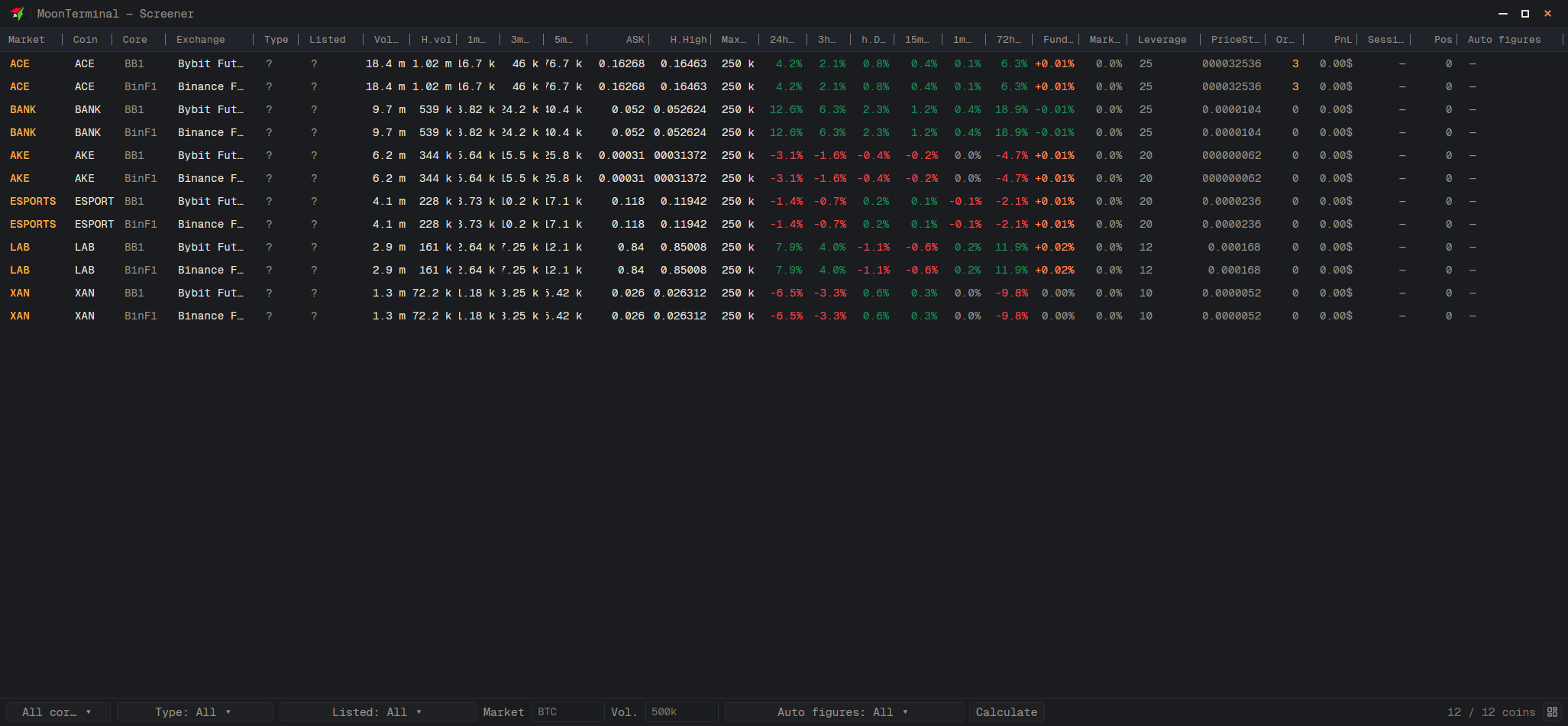
The “Type” column shows the market type of the core: Spot, Futures or Quarterly. The “Listed” column shows whether the coin is traded on the exchange of this core in both market types: Both, Spot Only or Futures Only. At the bottom of the window there are two lists with checkboxes, “Type” and “Listed”. To keep only coins that are available in one market type, open “Listed” and tick Spot Only and Futures Only. The first row, “All”, clears the filter. The answer is taken from the arbitrage prices that the core already receives, so there is no need to connect a core of the second market type. The sign “…” means the answer is still being collected: during the first minute after the core is connected there are no one-sided answers for it, and when the filter is empty the window shows how many seconds are left. The sign “?” means there is no answer: the exchange has no core with arbitrage prices, or the coin could not be matched with other platforms. The lists apply while the window is open. If you don’t see the columns, turn them on in the columns menu at the bottom right.
- Screener
- Type — List at the bottom of the window: market type of the core, Spot, Futures or Quarterly
- Listed — List at the bottom of the window: tick Spot Only and Futures Only