MoonTerminal · Screener and panels ·
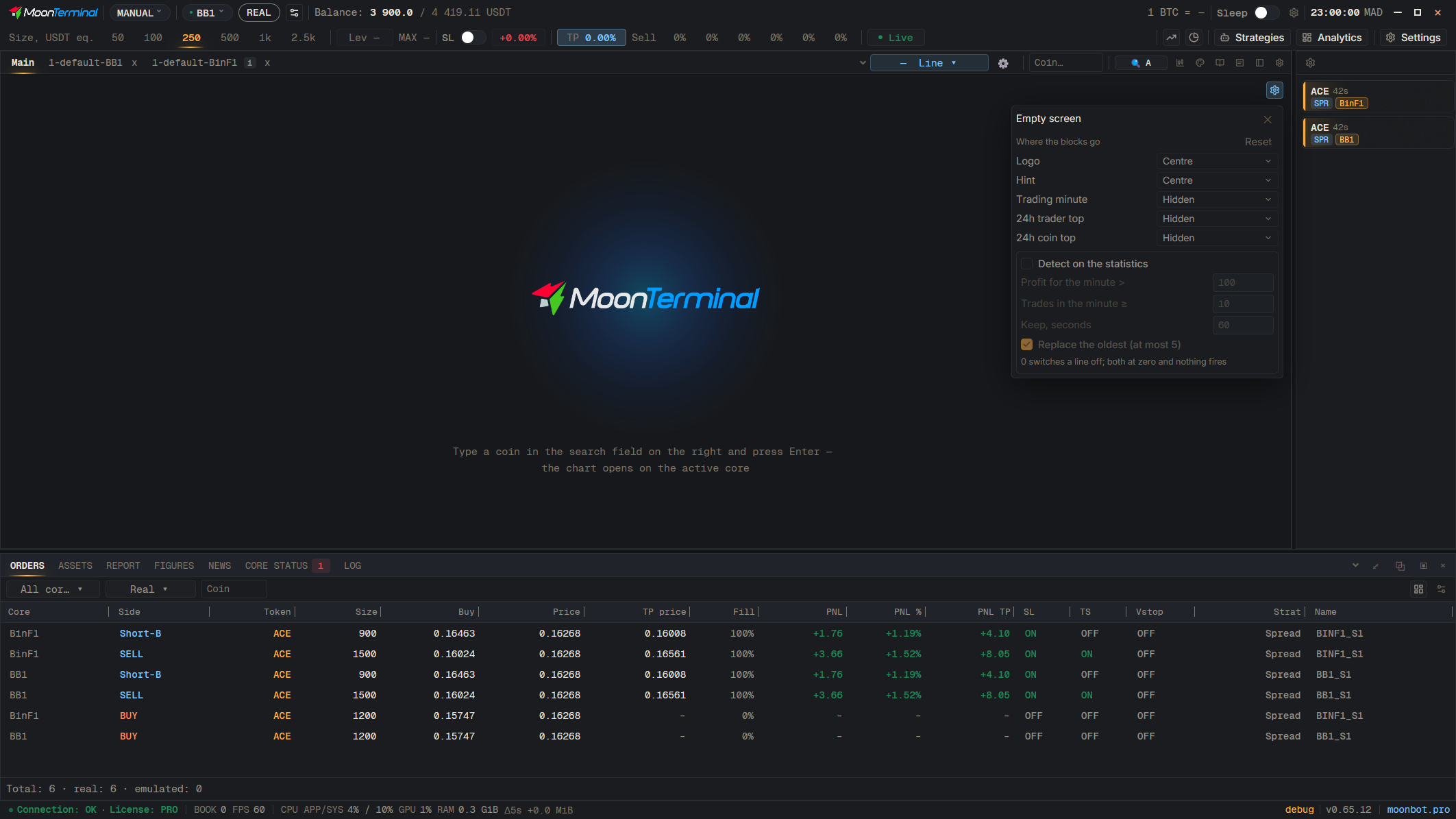
On the empty Main screen, click the gear icon “Empty-screen settings”. The blocks “Logo”, “Hint”, “Trading minute”, “24h trader top” and “24h coin top” can be placed in one of nine spots or set to “Hidden”. A hidden statistics table does not contact the statistics service. A hidden logo also disappears from other empty charts; the “Reset” button returns the default layout.
- Empty-screen settings — Gear icon on the empty Main screen
- Logo — Choose “Hidden” or a spot