MoonTerminal · Screener and panels ·
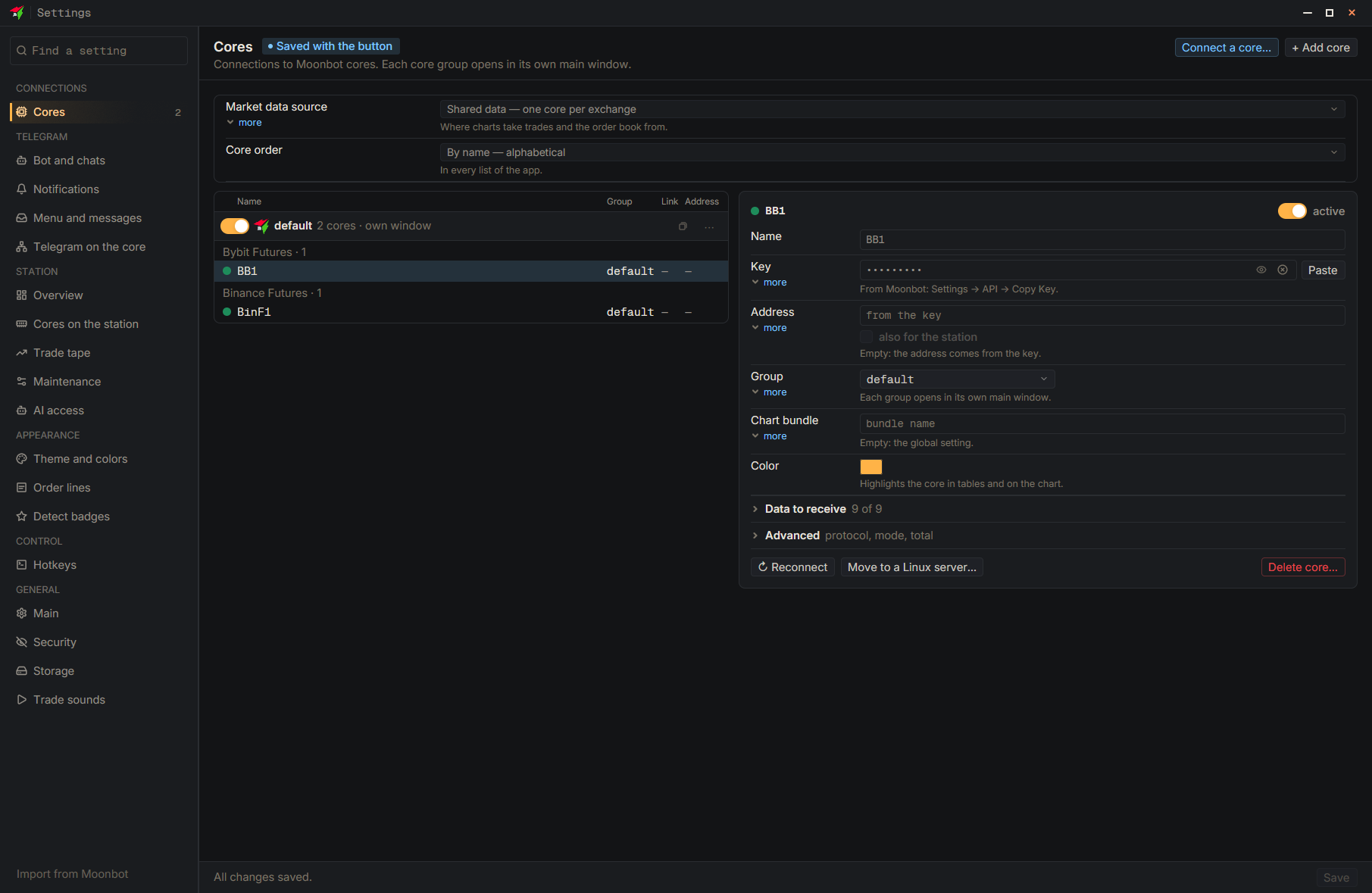
“Total” adds up the funds of all cores in the area, but several cores can work with one exchange account. Each core has an “In the assets total” option under “Advanced”: “Auto (by account)” counts such cores once, “Exclude” removes the core from the total, and “Separate” always counts it on its own. For Hyperliquid the terminal cannot tell whether the account is unified, so if the wallets are separate, set the core to “Separate”. The total row shows how many cores are merged into one account (“one account: N”).
- Settings
- Advanced — Expand the card of the needed core
- In the assets total — Choose “Auto (by account)”, “Exclude” or “Separate”
- Save — At the bottom of the settings window