MoonTerminal · Reports and statistics ·
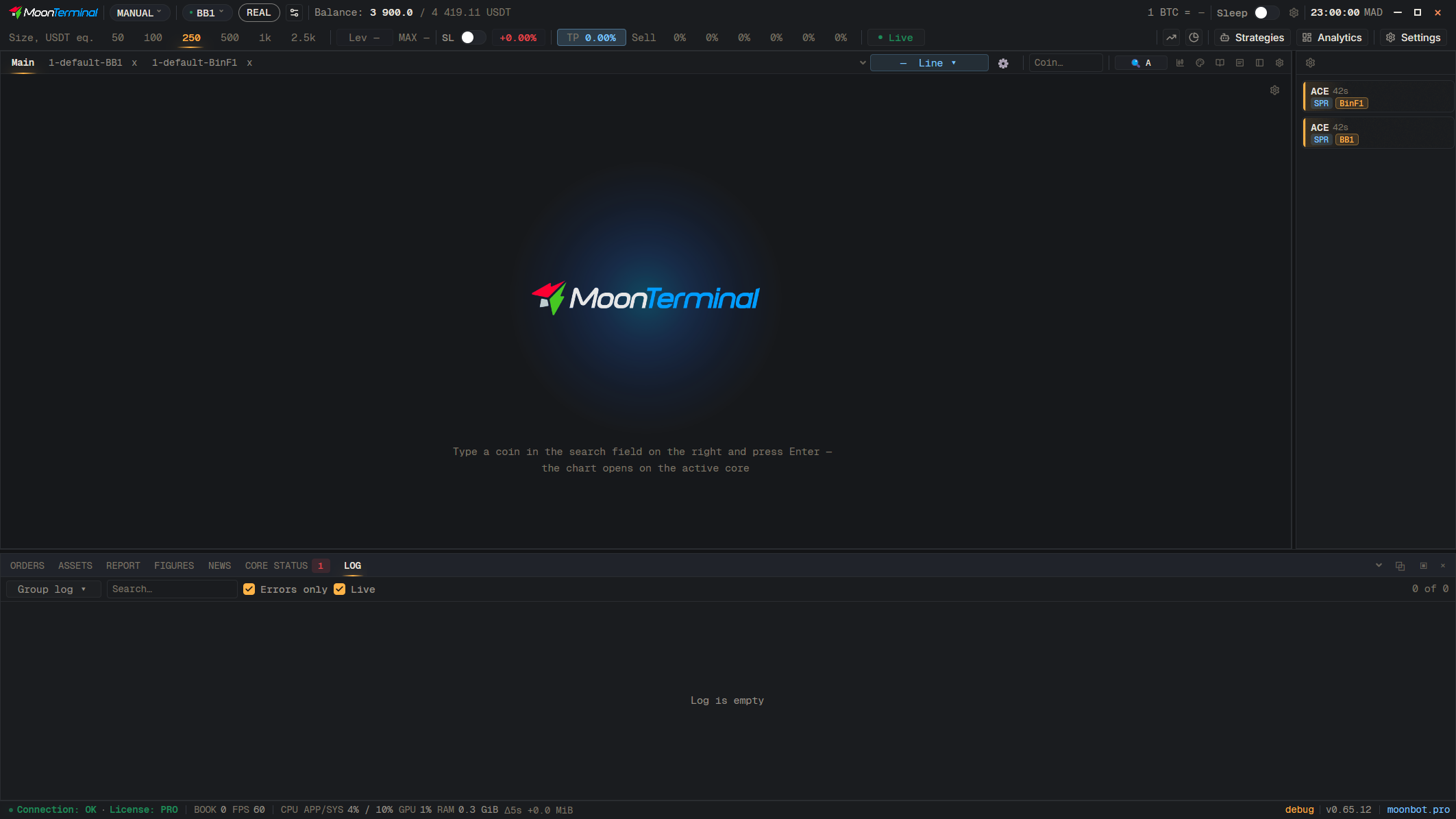
It means that at startup the terminal could not get exclusive access to its local reports database, or its integrity check did not pass (including when it did not finish within the 2-minute limit, in which case the screen shows “Replica integrity check not completed”). For this session reports are closed, but no trades are lost: once the cause is removed, the history catches up from the core. The reason is written in the “Log” tab (source “Local”). Most often a second copy of the terminal is running, the data folder is on a network drive or in cloud sync (OneDrive, Yandex.Disk, Dropbox), there are not enough permissions or disk space, or an antivirus holds the file. Remove the cause and restart the terminal.
- Log
- Local — Select the source “Local” and find the lines about reports (reports)