MoonTerminal · Reports and statistics ·
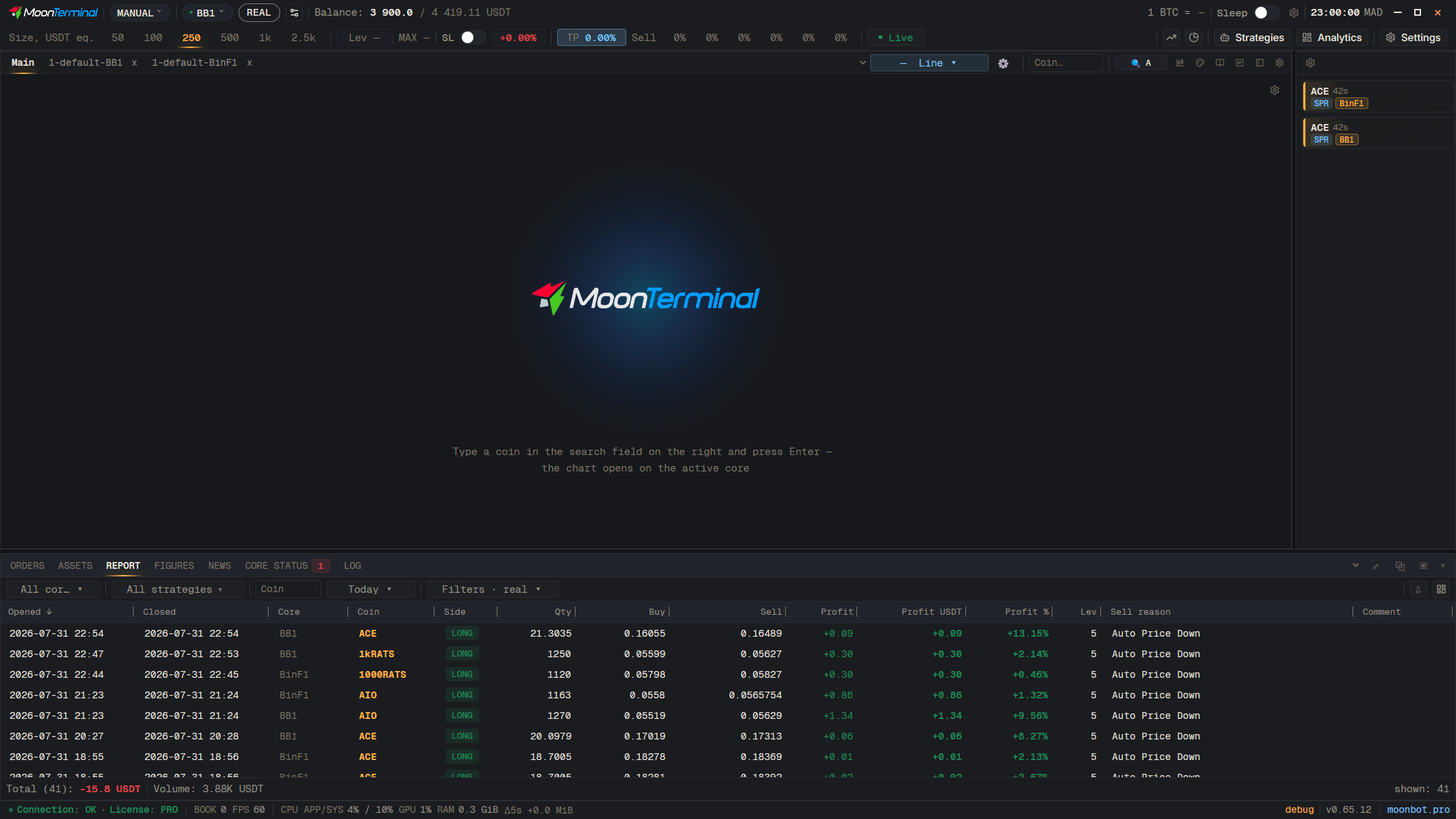
In the “Report” window, to the left of the “Columns” button there is a button “Save report to file (CSV / Excel)”. Choose “CSV” or “Excel (XLSX)”; the “— all columns” options export hidden columns too. The file contains what is selected by the current filters and sorting.
- Report
- Save report to a file (CSV / Excel) — The button with the down arrow to the left of “Columns”
- CSV — Or “Excel (XLSX)”; “— all columns” adds hidden columns