MoonTerminal · Reports and statistics ·
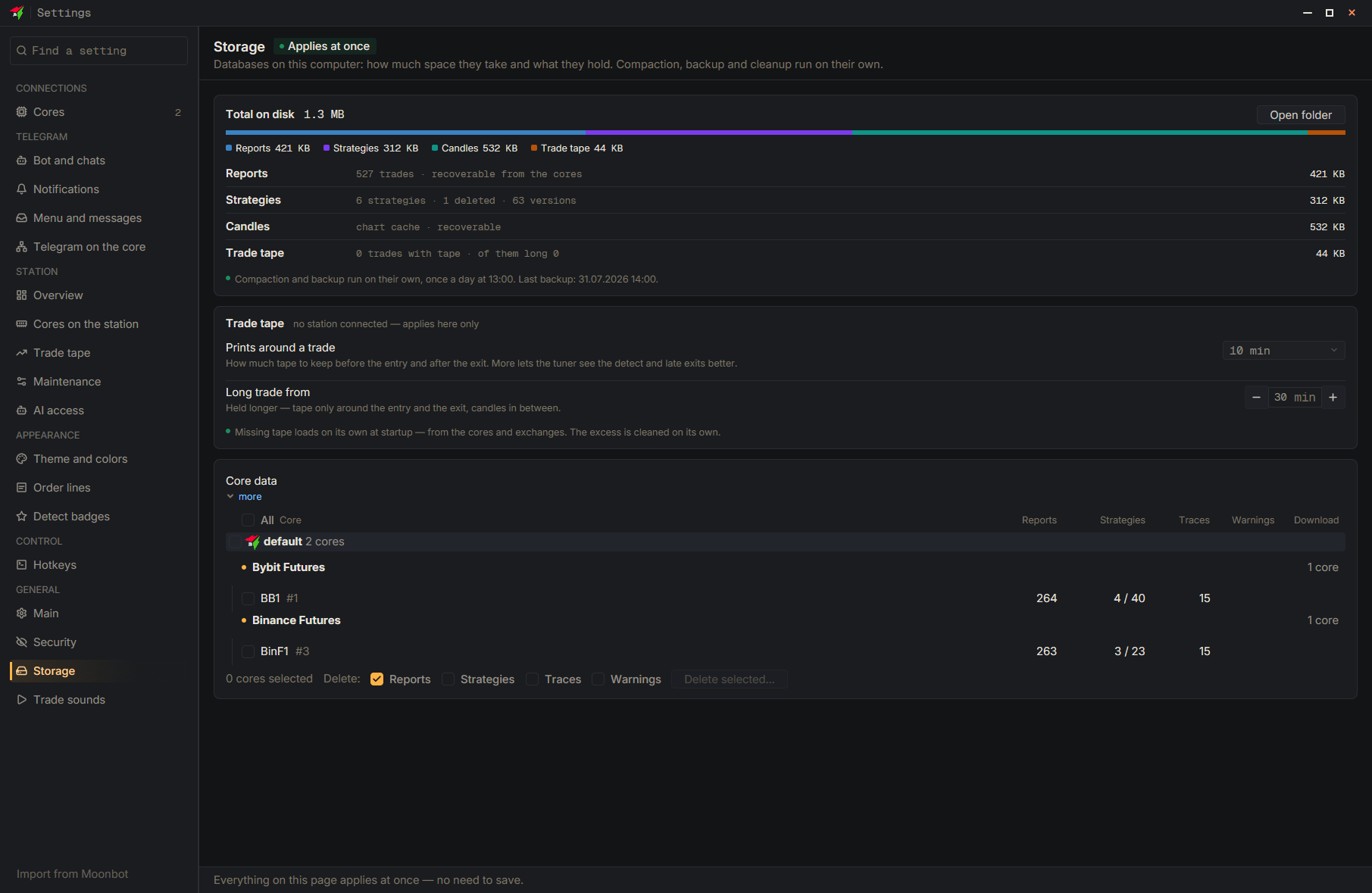
The full check of the reports database at startup works only with files up to 2048 MB; a larger file fails the check, and the reports are closed at every start (the threshold in settings does not change). Close the terminal, open the data folder with the “Open folder” button in “Settings” → “Storage”, and delete reports.sqlite together with reports.sqlite-wal and reports.sqlite-shm; do not touch the other files. After the start, the connected cores will send the history again; only what the core no longer keeps will not come back.
- Settings
- Storage
- Open the folder — Close the terminal and delete reports.sqlite, reports.sqlite-wal and reports.sqlite-shm there