MoonTerminal · Chart ·
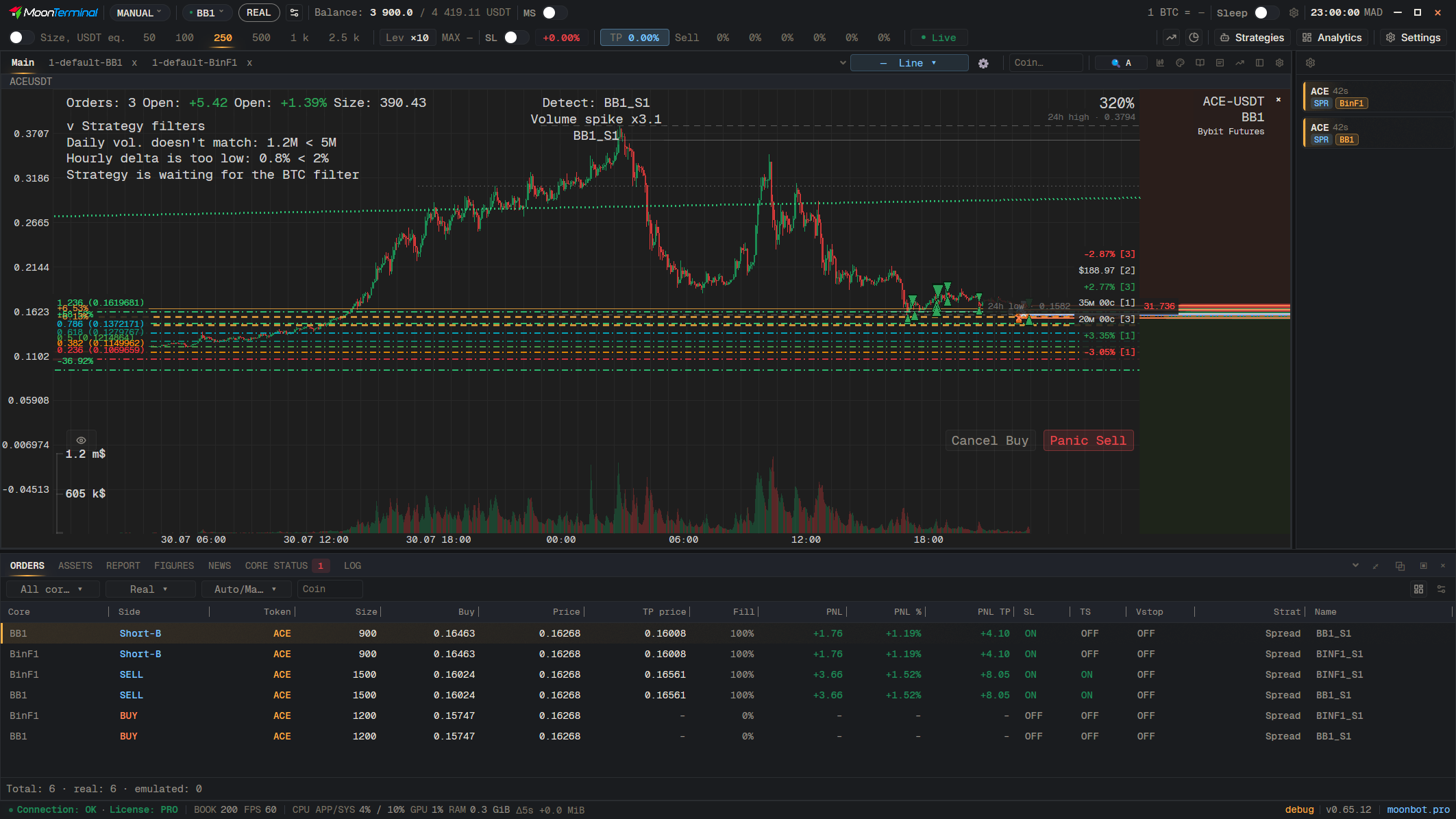
At the bottom of the chart, on the left, among the labels, there is an eye button. Click it: all auto figures on this chart will disappear, and the icon becomes crossed out; pressing it again brings them back. The choice applies only to the open coin on this chart and holds until the coin on that chart changes or until the terminal restarts: it is not written to disk, and the settings of the Auto figures window and other charts do not change. The eye takes priority over the “Show auto figures” checkbox: if that box is unchecked, the eye can show auto figures on a single coin. The button is on charts in the main window, in tabs torn out into a separate window, and in comparison; it is not in the trade window. A new installation sees the button right away. If you changed chart labels earlier, the button may be missing: in “Chart labels” open the module (“Edit module”) and add the field “Auto figures button”, or click “Reset” there. The standard set of labels with this button returns, but your label edits will be lost. To remove one line rather than all of them, right-click it: “Hide this line”.
- ACE — For example ACE: it opens on the Main chart
- Show or hide auto figures on this coin — Eye at the bottom left of the chart; crossed out means auto figures on this coin are hidden
- Separately. Chart labels — If there is no button: add the field “Auto figures button” to the module