MoonTerminal · Chart ·
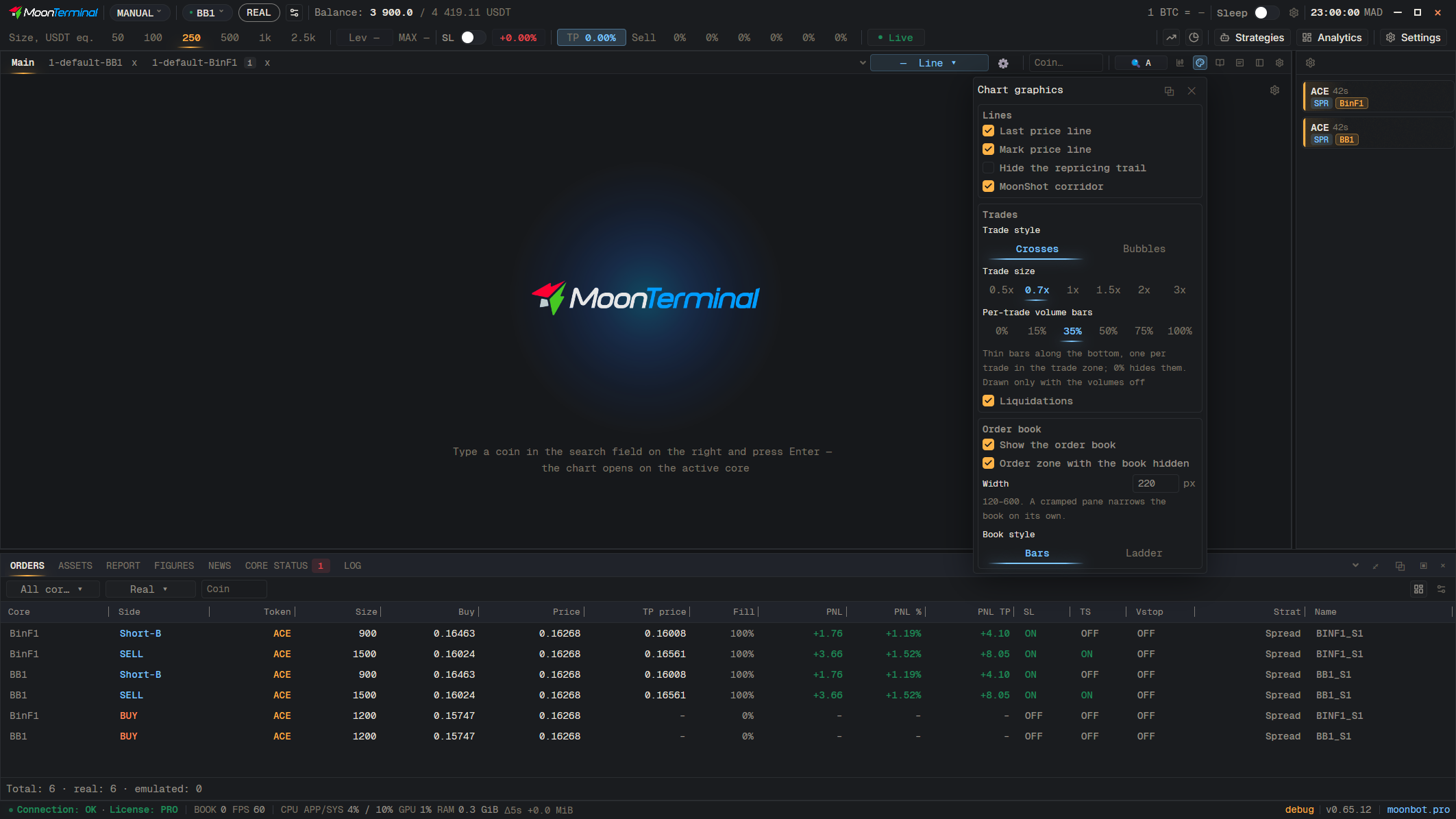
The chart settings windows have an “Apply to all” button. Tick the tab kinds: “Main”, “AddToChart”, “Comparisons” and “Trade window”, then click “Make default”: these tabs will start to follow the new set, and their own edits will be reset. “Reset” brings back the factory set for the ticked kinds.
- Graphics settings
- Apply to all
- Tab kinds — Tick Main, AddToChart, Comparisons and Trade window
- Make default