MoonTerminal · Analytics and tuner ·
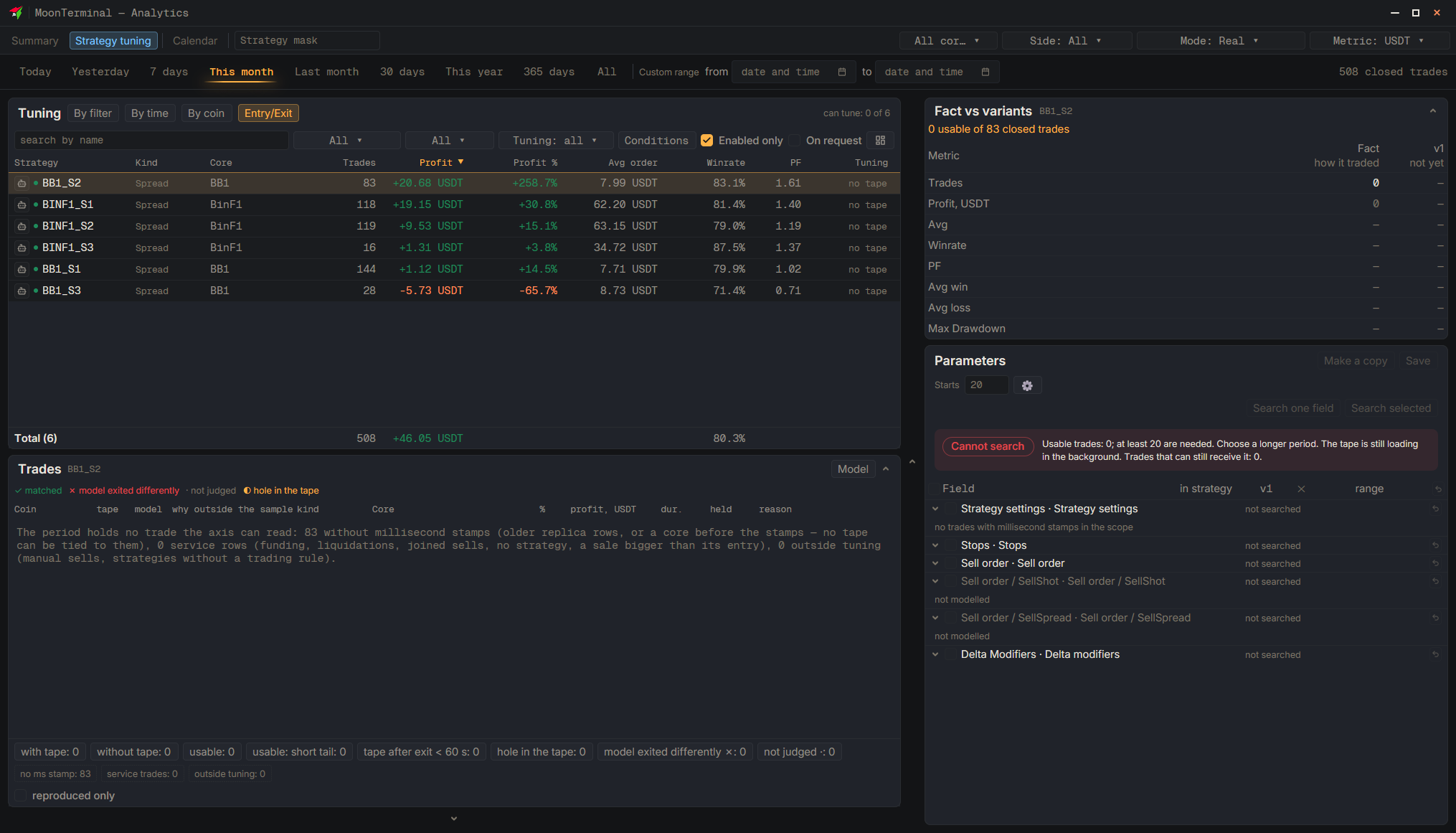
Tick the “On request” checkbox in the row above the strategies list, next to “Enabled only”; it appears only in the Entry/Exit mode. With it on, the Tuning column is calculated only for the selected strategies, once when you select them; while nothing is selected, nothing is calculated and the Tuning filter is hidden. New trades and the attached tape no longer reload the card: it writes “The card has no new trades or tape yet” and catches up with the “Refresh” button, before tuning, and when the strategy, period or filters change. “Search selected” lights up when the trades of all selected strategies are loaded and checked against the tape. Untick the checkbox and everything is recalculated automatically again, for the whole list.
- Analytics
- Strategy tuning
- Entry/Exit
- On request — The Tuning column is calculated only for the selected strategies, recalculation via “Refresh”