MoonTerminal · Analytics and tuner ·
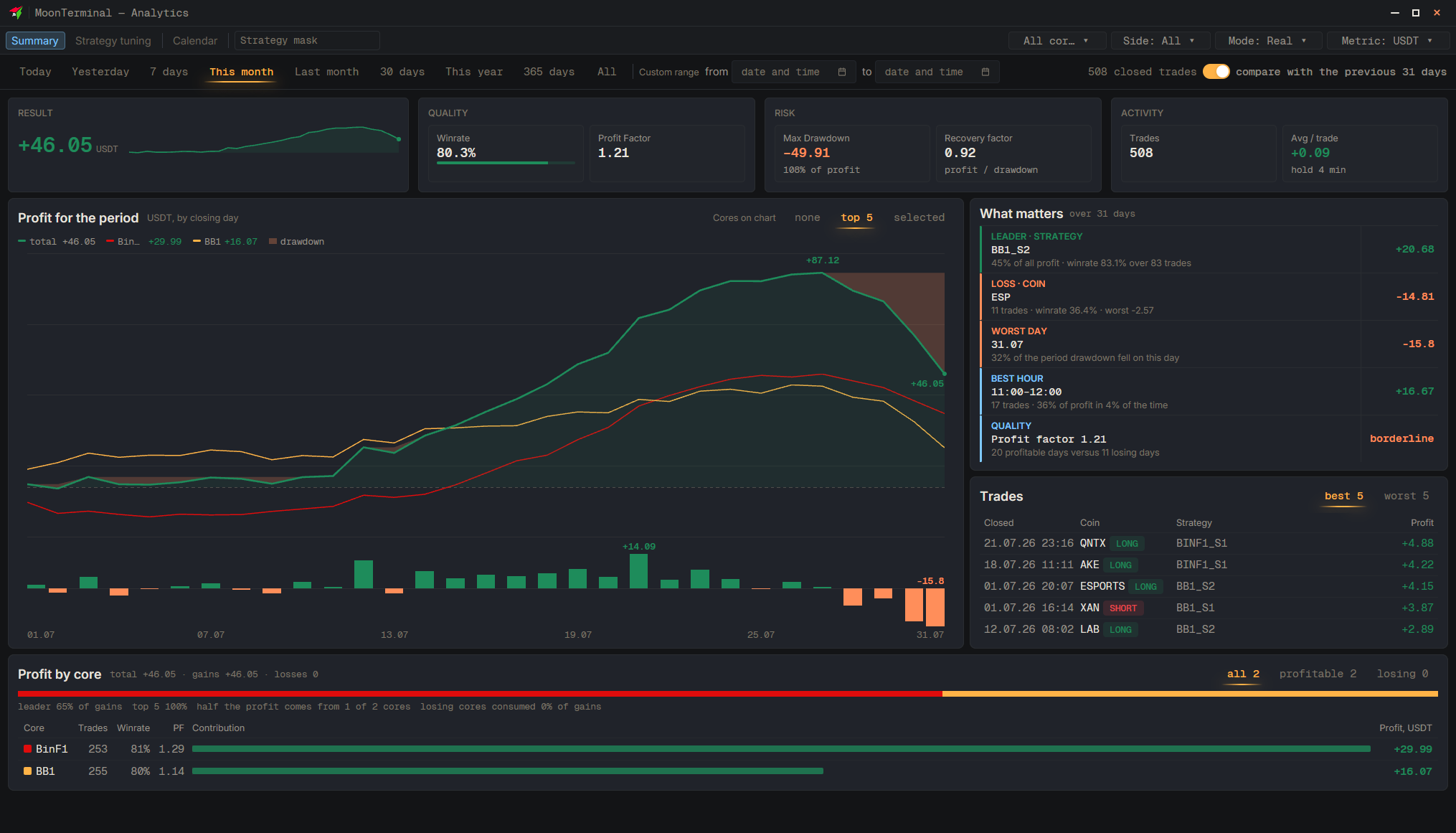
Open “Analytics” → “Strategy tuning”: on the left is a table of the strategies of the selected cores with a “Profit” column for the selected period. Clicking a column header sorts the table. The period is chosen in the top panel (“Today”, “Yesterday”, “7 days”, “This month” and others, or “Custom range”), and the cores in the “Cores” selector. The table includes only the 500 groups with the largest profit by absolute value; the rest are not shown.
- Analytics
- Period — Period presets in the top panel
- Cores — Clear the extras or keep “All cores”
- Strategy tuning
- Profit column — Clicking a column header sorts