MoonTerminal · Analytics and tuner ·
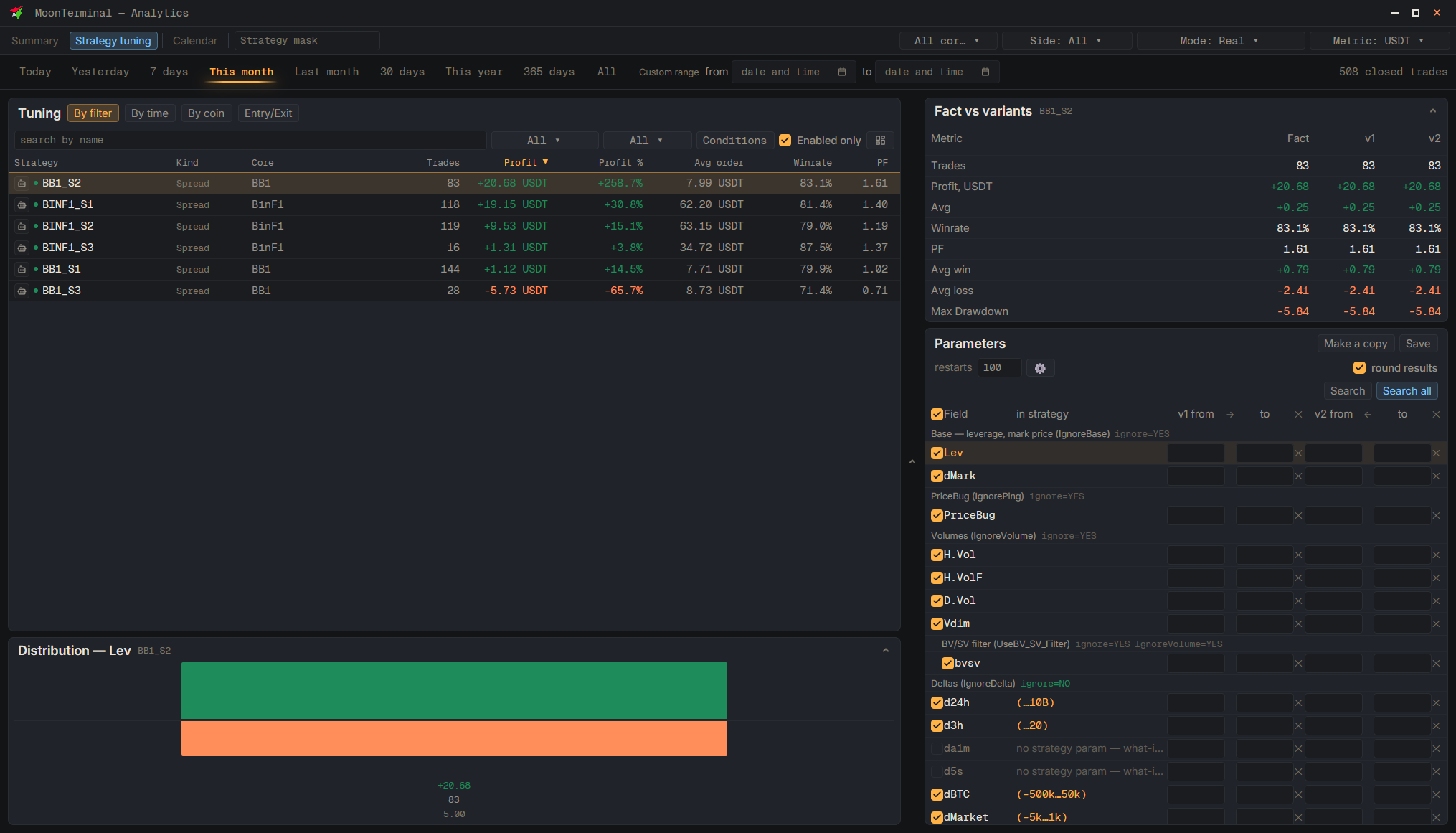
Open “Analytics” → “Strategy tuning” → “Entry/Exit”, then choose a period and a strategy on the left. The “Search summary” should show enough “usable” trades; the required number is written there too. Tick the fields and click “Search selected” (or “Search one field” for the selected one). If the summary says “Can apply”, click “Save” — the window will show “now → new” — or “Make a copy” to write the found settings into a new strategy.
- Analytics
- Strategy tuning
- Entry/Exit
- Search selected — Tick the needed fields beforehand
- Save — In the tuner header; the confirmation window will show “now → new”
- Make a copy — Creates a new strategy; the original does not change