MoonTerminal · VPS and Linux ·
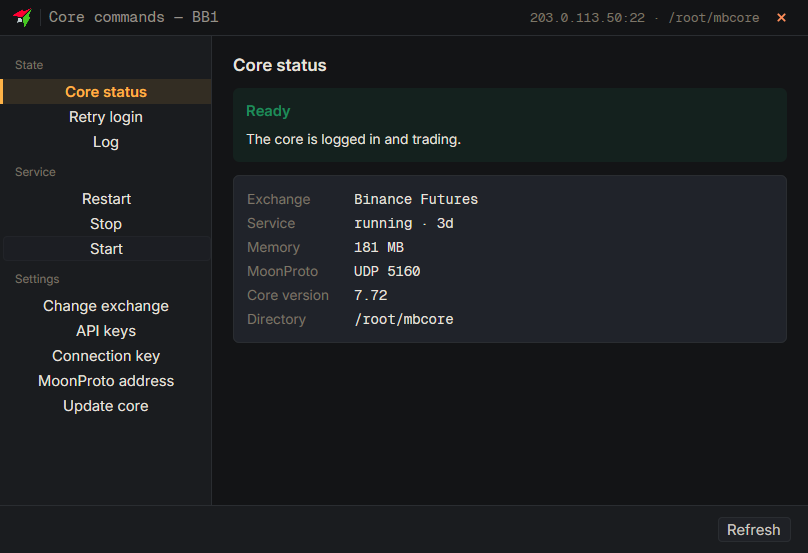
In “Settings”, right-click the Linux core in the list of cores. The menu header shows the server, and below it are the commands: “Core status”, “Retry login to exchange”, “Show log”, “Restart service…”, “Stop service…”, “Change exchange…”, “Exchange API keys…”, “Connection key…”, “MoonProto address…” and “Update core…”. Any of them opens the “Core commands” window with the same commands on the left. If the core has not logged in to the exchange, it does not retry the login by itself: click “Retry login”. When you change the MoonProto address, the connection key stays the same. The commands are available for a core installed through MoonTerminal, and only when the terminal has a login to that server; otherwise the menu shows “Add server login…”.
- Settings
- Core in the list — Right-click the Linux core
- Core status — Or go straight to the needed command in the menu
- Restart — The other commands are in the same column