MoonTerminal · VPS and Linux ·
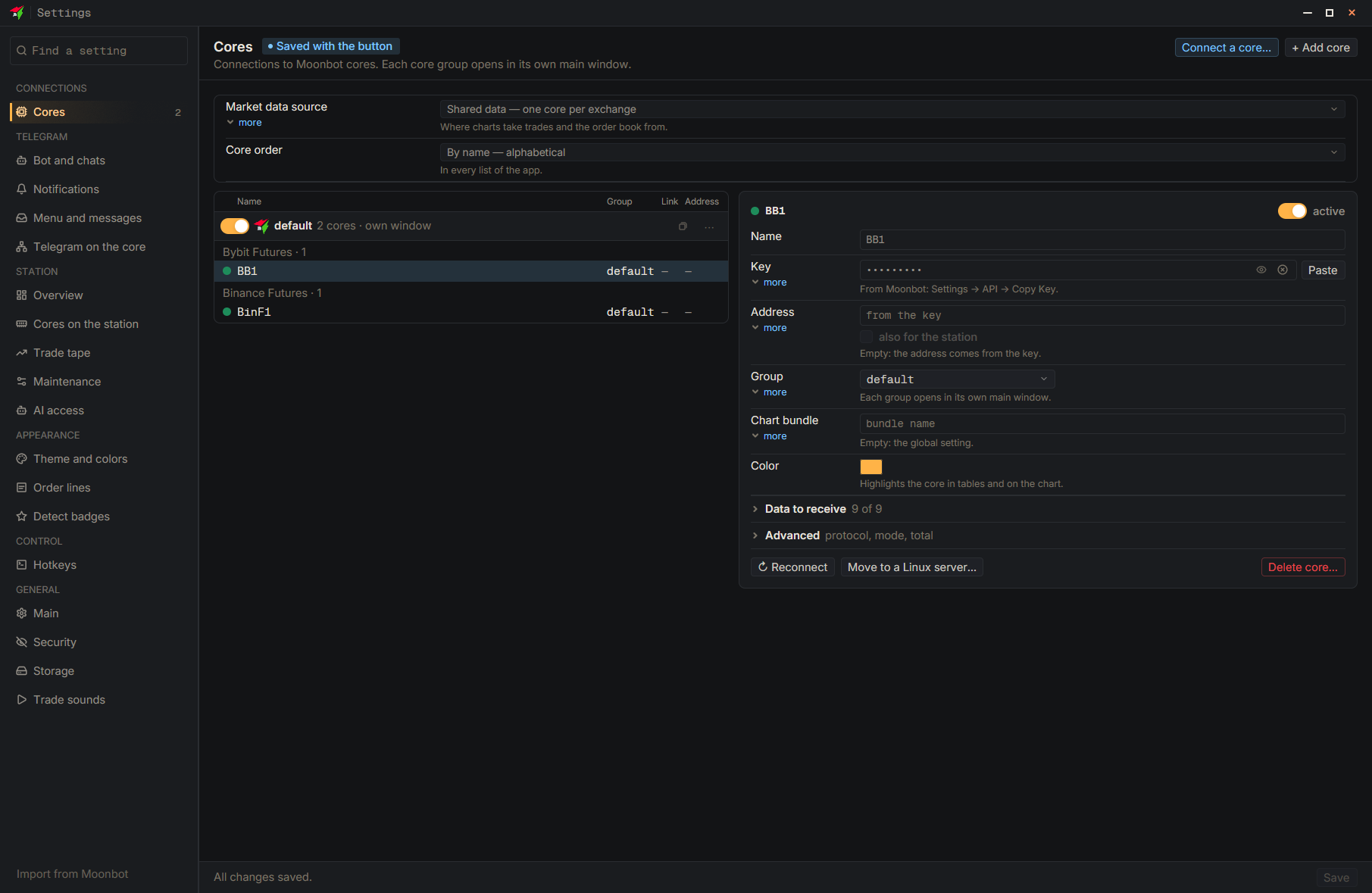
Press “Move to a Linux server…” on the saved core’s card, or select “Move a core to a Linux server” in the “Connect a core…” wizard. The keys, strategies and trade history move over, and the core version must be 7.72 L2 or newer. The new core starts only after the old one stops, and the old one won’t stop while it has open trades: the wizard will wait, or the move can be cancelled, and the old core keeps running as before. The old core is not deleted. During the move (usually 2–5 minutes) the core does not trade; open positions stay on the exchange.
- Settings
- Move to a Linux server… — Button on the saved core’s card