MoonTerminal · Detects and sound ·
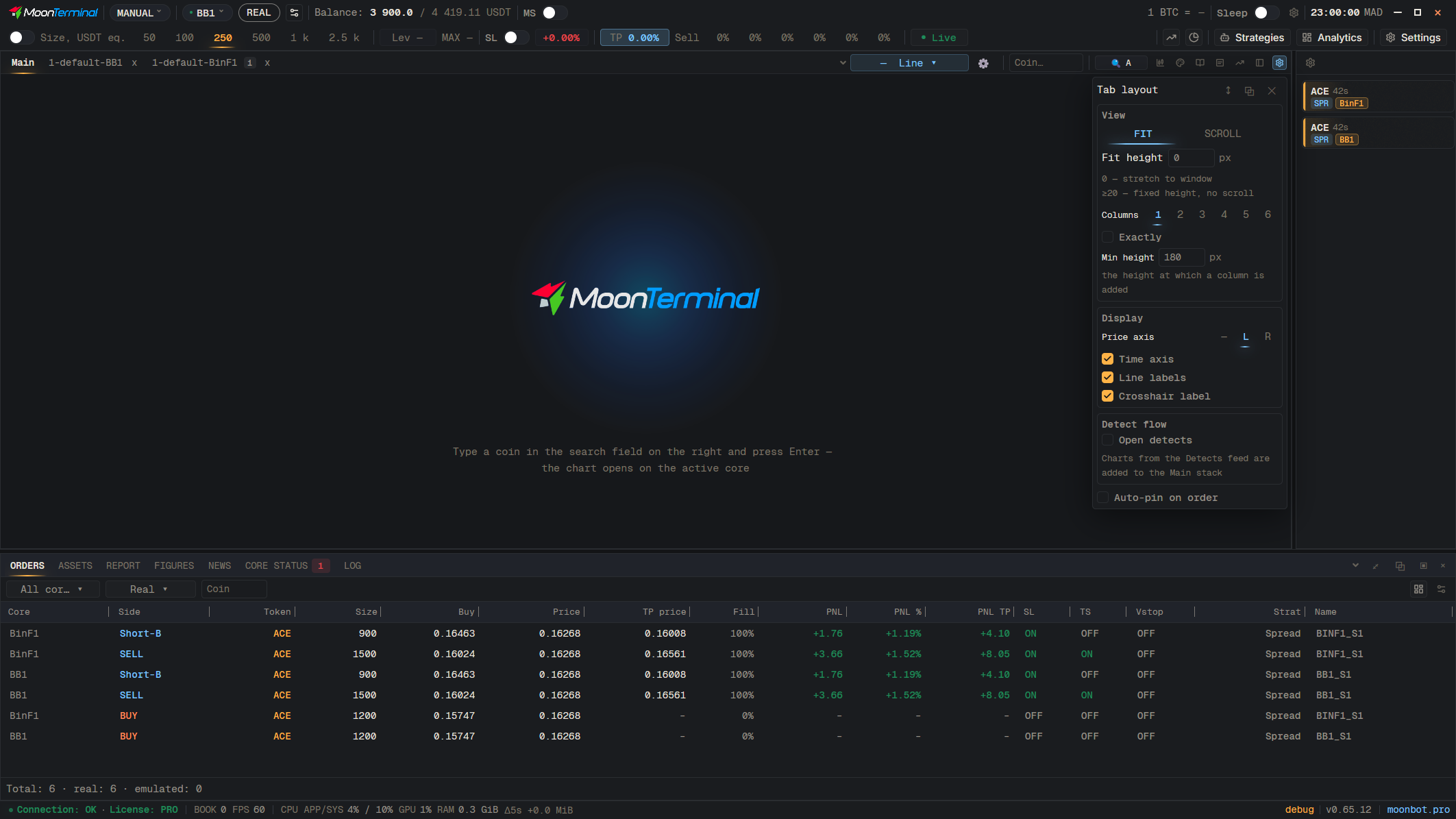
On the Main tab, open «Tab layout» and in the «Detect flow» block tick «Open detects». After that every detect that enters the «Detects» feed opens its chart in Main. If a chart is already open in Main, the new one does not replace it but goes into a stack: it appears in the Main tab row, and a right click on the chart expands the whole stack. The chart stays for as long as set in the strategy under «How long it stays on the chart» (0 — no limit). Under the tick, «Maximum» and «Replace the stalest» appear: they limit the number of charts opened by detects. Charts you opened yourself are not counted toward this limit and are not closed by detects. If you open a detect's chart by clicking the coin in the table or on its card, it becomes a regular chart and will not close by itself. Detects from strategies with a «Chart tab number» reach Main only when «Show AddToChart detects» is on in the feed settings.
- Tab layout — On the Main tab
- Open detects — «Detect flow» block