MoonTerminal · Detects and sound ·
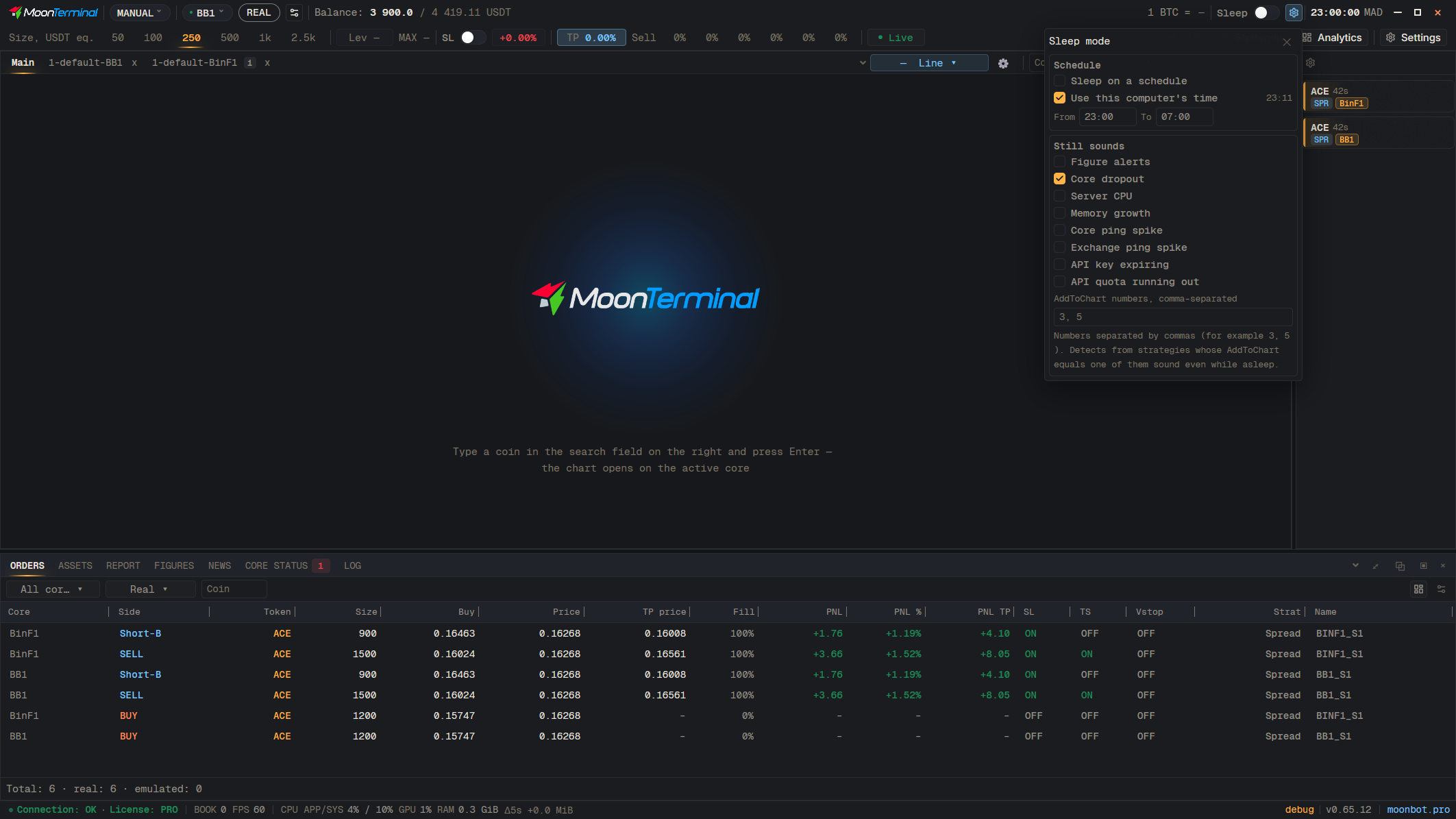
The “Sleep” button in the toolbar mutes detect, alert and trade sounds while it is on; a click turns it on and off. In “Sleep settings” (the gear next to it), under “Still sounds”, you can keep “Figure alerts” and AddToChart numbers separated by commas: strategy detects with such a number sound even during sleep. “Sleep on a schedule” there turns the schedule on. The terminal is not tied to the operating system's Focus mode, so on a MacBook mute it with the “Sleep” button.
- Sleep — A click turns sleep on and off
- Sleep settings — Gear icon next to the “Sleep” button
- Type: AddToChart numbers, comma-separated — For example 3, 5