MoonTerminal · Connecting cores ·
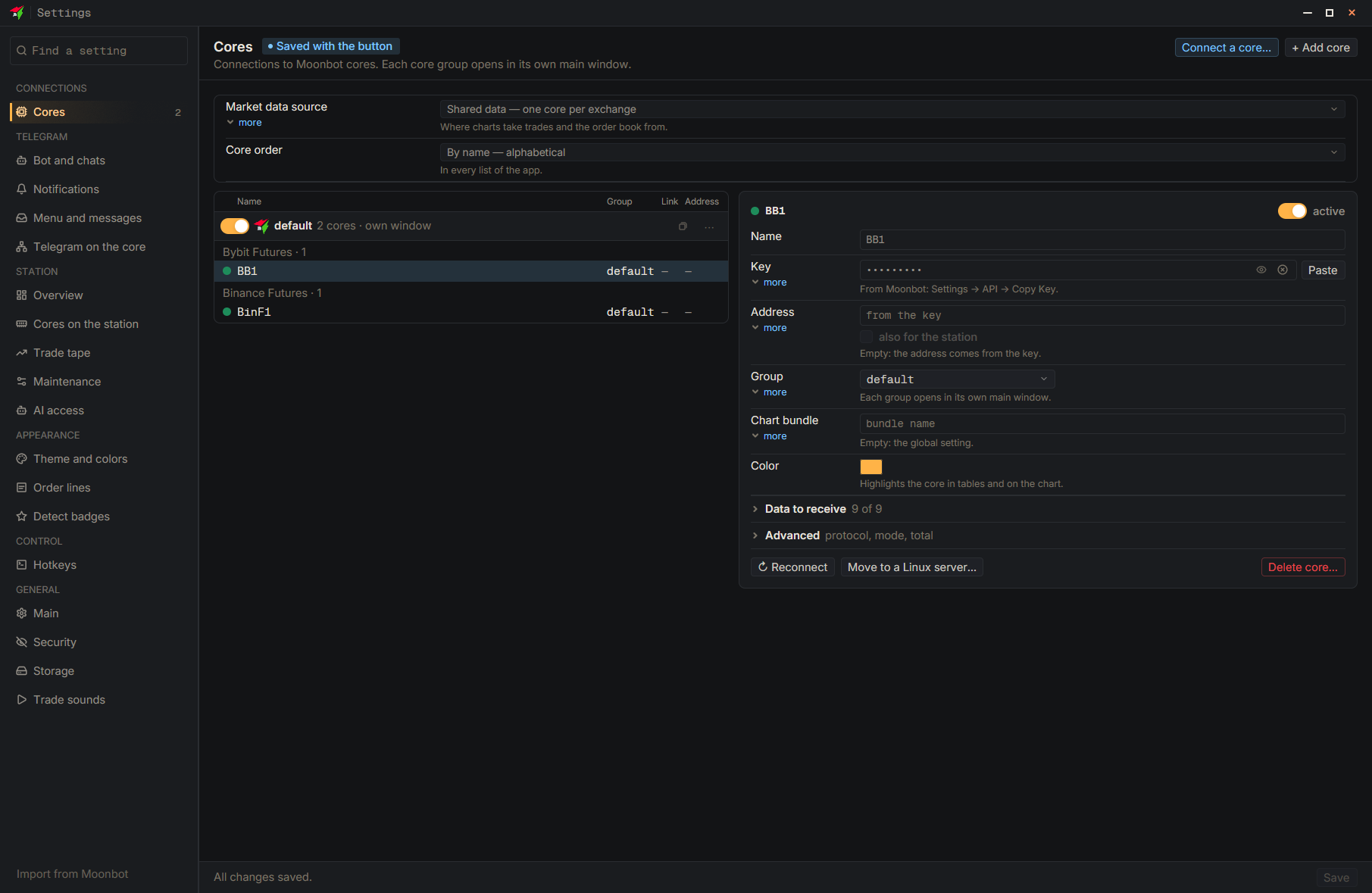
Select the core, press “Delete core…” and confirm, then press “Save”: the core disappears from the settings, but its charts and reports stay on disk. To wipe those too, open “Storage”, in the “Core data” block tick the core and the data types, and press “Delete selected…”. Strategies, traces and warnings are stored in a single copy and cannot be restored. Reports can be downloaded again only while the core is still in the connections: once the connection is deleted, there is nowhere to get them from.
- Settings
- Core in the list — Select the needed core in the list on the left
- Delete core…
- Delete — Confirmation in the window
- Save — At the bottom of the settings window
- Storage — To delete the saved data
- Delete selected… — Tick the core and the data types first