MoonTerminal · Telegram bot ·
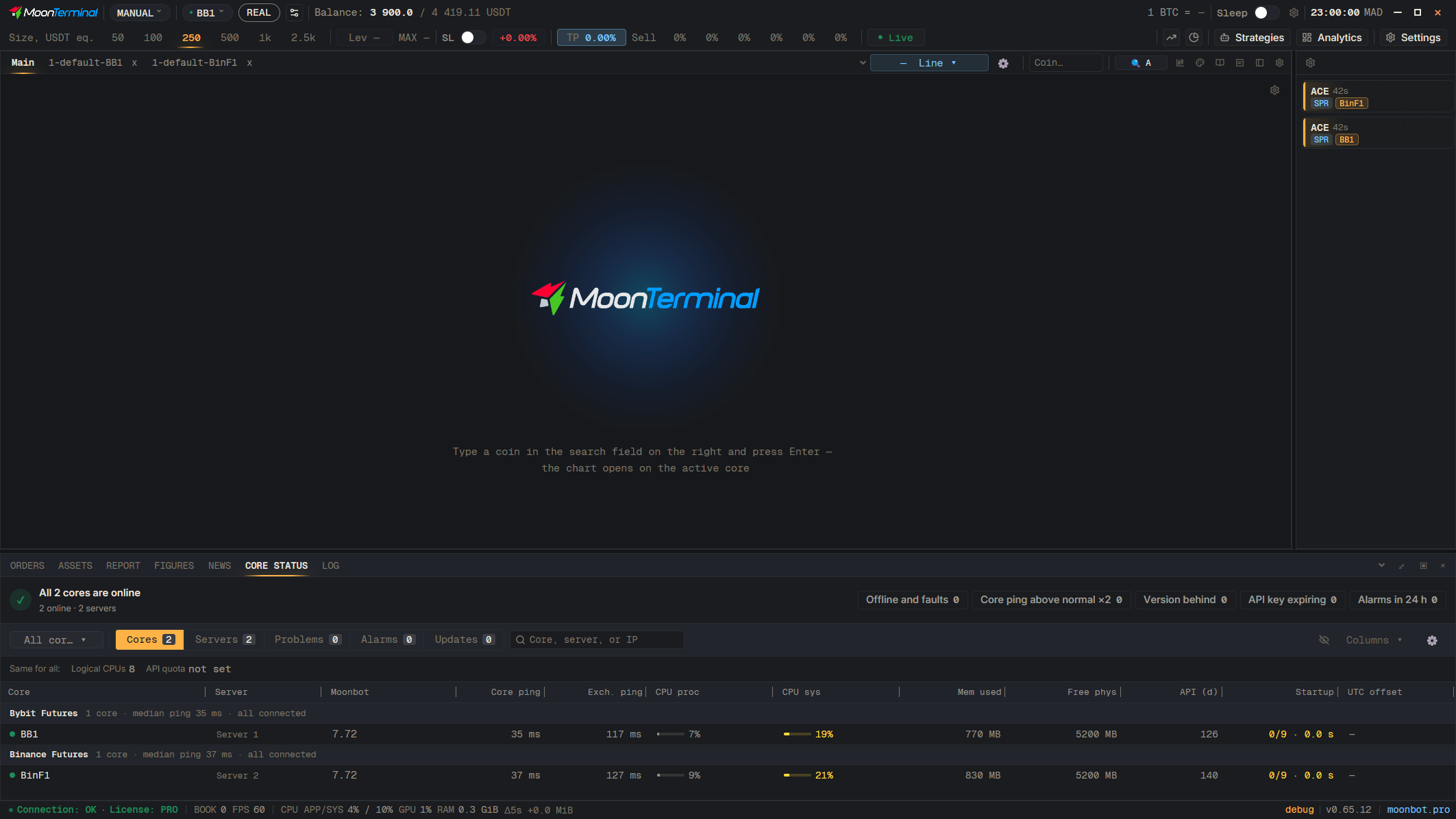
The group order is set in the “Core groups” window (the “Manage groups…” item at the end of the core list, arrows next to each group). The Profit Monitor shows the groups in this order. Groups are sent to the station automatically together with their order; if some cores could not be matched, the “Send groups to the station” button stays on the “Bot and chats” page.
- Core status
- All cores — Drop-down list of cores, for example on the “Core status” tab
- Manage groups… — The item at the end of the list
- Drag: Arrows next to a group — Up or down