MoonTerminal · Station ·
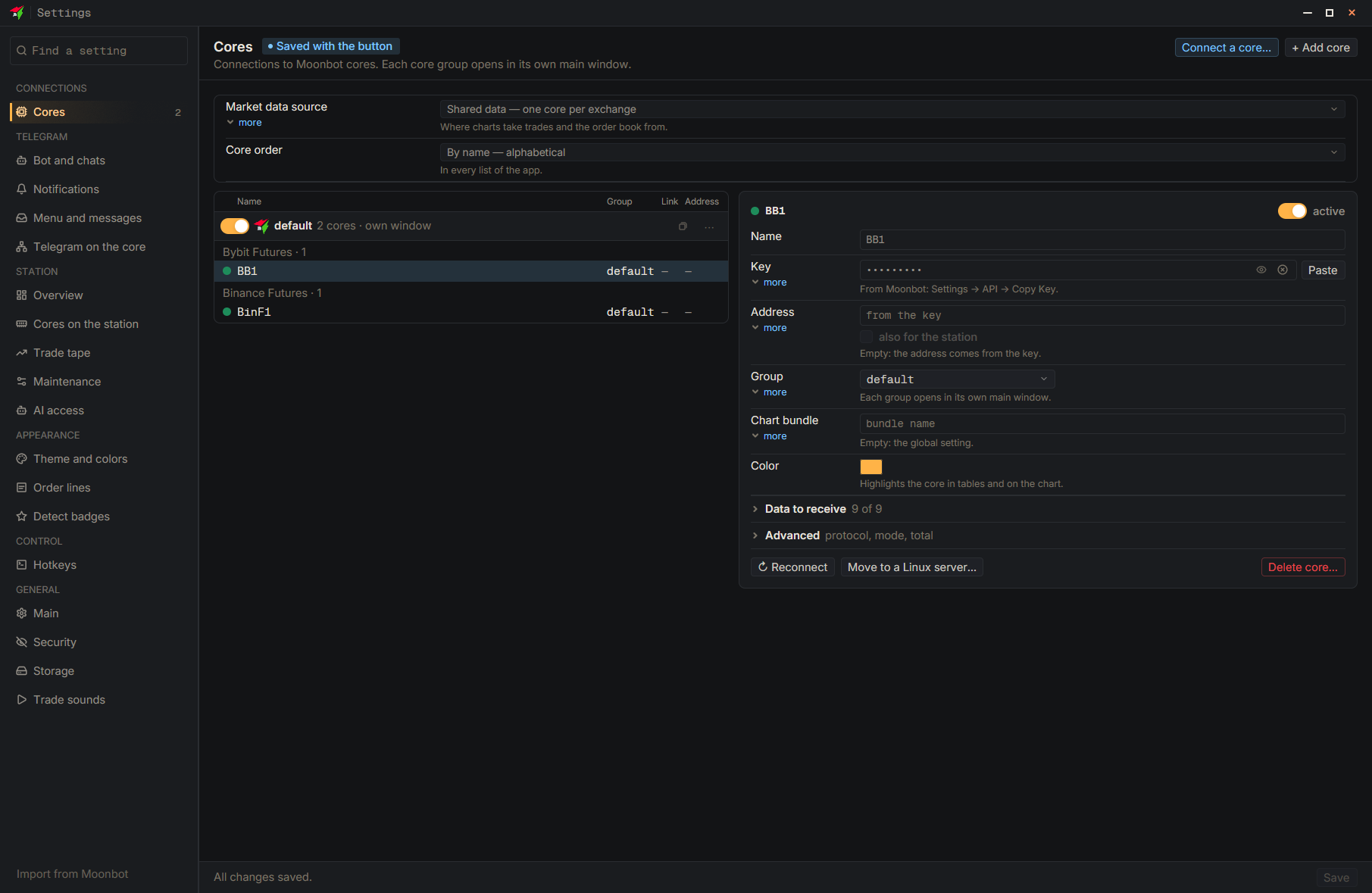
The station connects to the cores by itself, from the server, just like the terminal does: the address and port come from the key. Open the core's incoming UDP port in the system firewall and in the hosting provider's panel, at least for the station's IP. If the core is on your local network, the station will not see it: enter a public address in the core's card and keep the “also for the station” checkbox ticked. Check the status on the “Overview” page and in the “Log”.
- Settings
- Type: Address — Public address or address:port
- also for the station — Tick the box
- Save — At the bottom of the settings window