MoonTerminal · Installing and updating ·
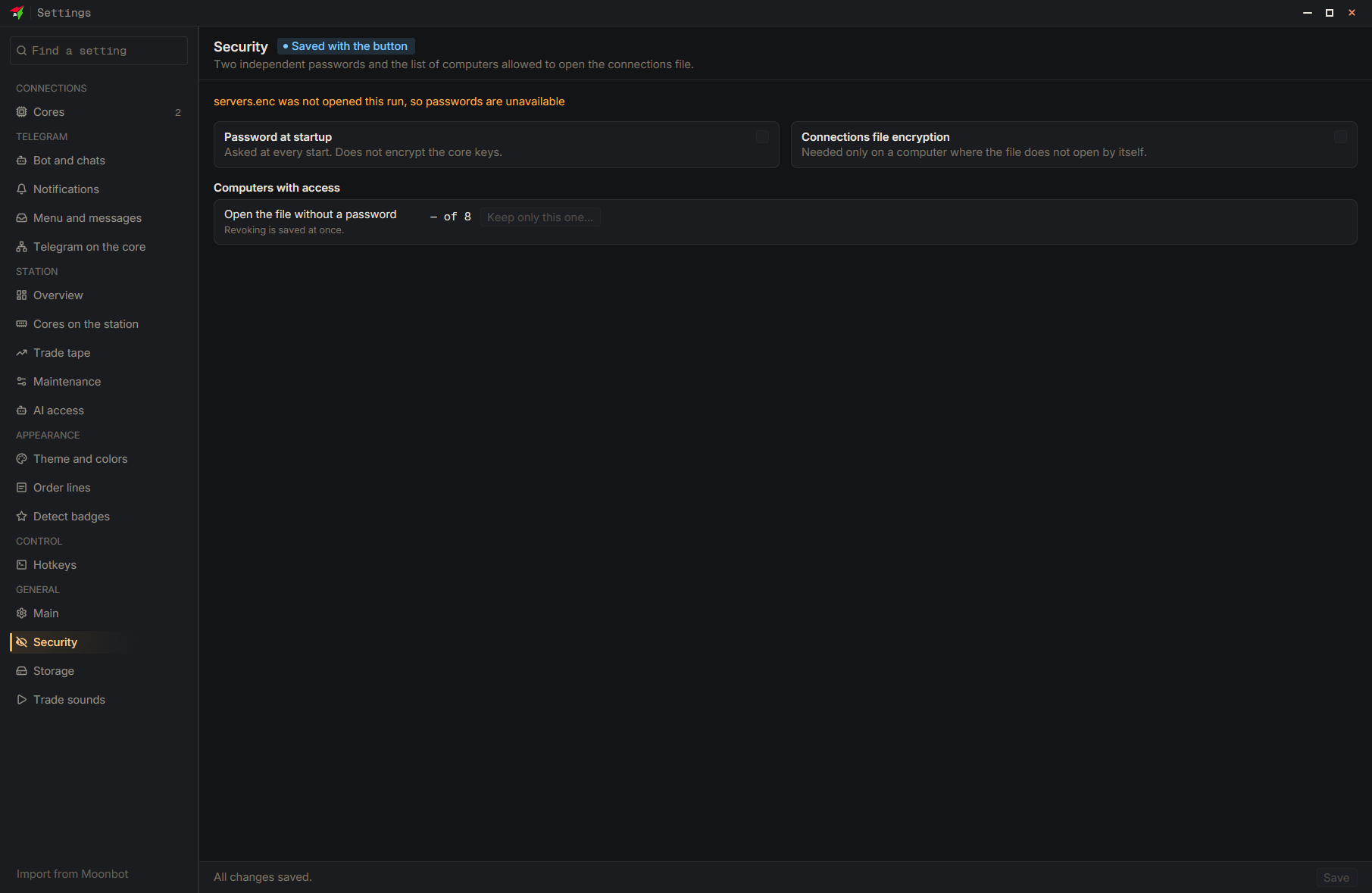
The file with the core keys is tied to the computer, so first set an encryption password on the “Security” page and press “Save”. Then close the terminal and copy the data folder whole: on Windows it is the folder next to the exe, on Mac ~/Library/Application Support/com.moonbot.moonterminal/, on Linux ~/.config/com.moonbot.moonterminal/. On the new computer the terminal will ask for this password once. Reports and candles re-download from the cores by themselves, but strategies cannot be restored, so copy them.
- Settings
- Security
- Type: Connections file encryption — Enter the password and repeat it in the “Again” field
- Save — At the bottom of the settings window