MoonTerminal · Order book ·
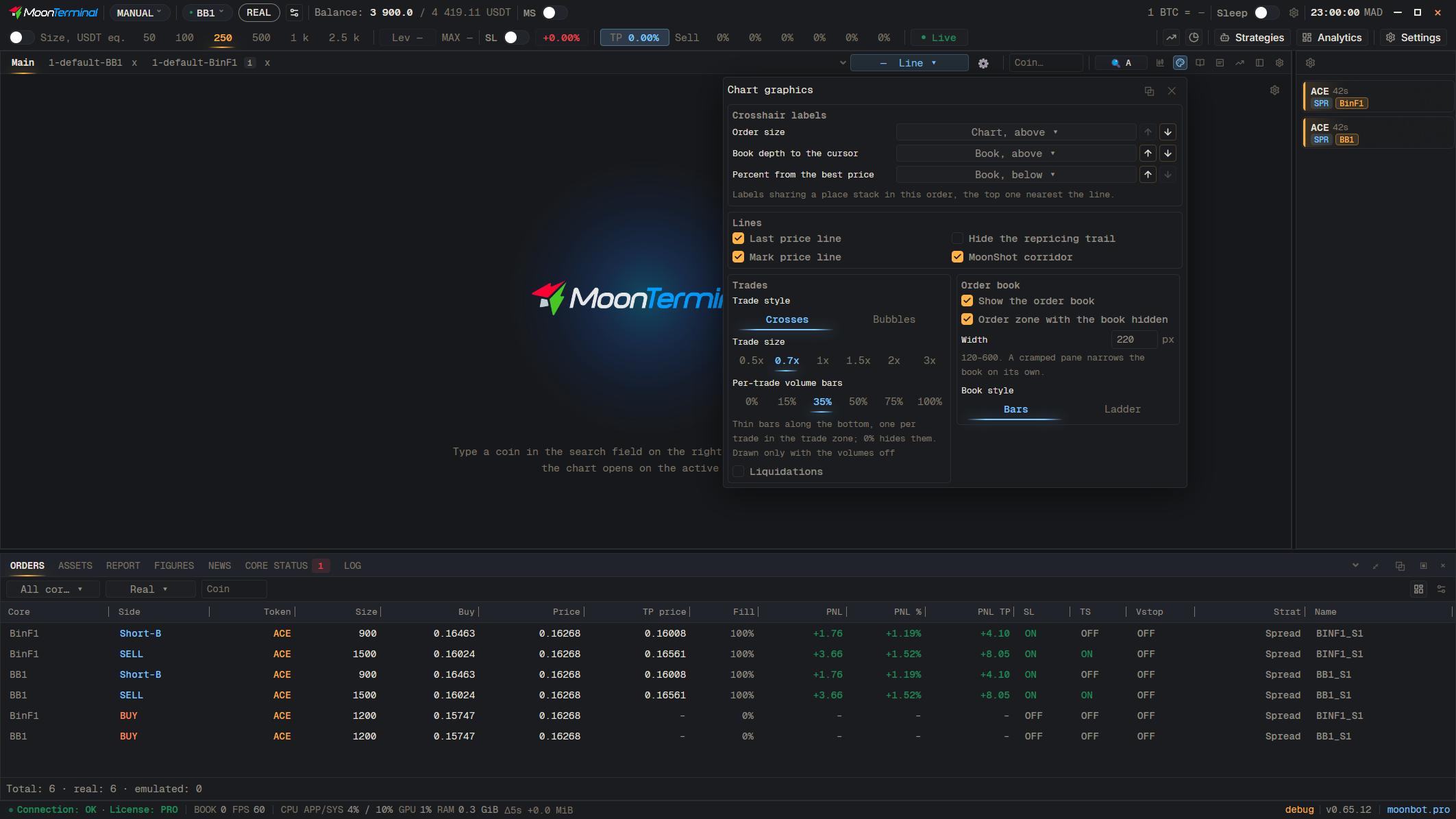
In the «Chart graphics» window, in the «Crosshair labels» block, each of the three labels (order size, order book volume up to the cursor, and percentage from the best price) has its own place: on the chart, in the order book, in the order book after the volume rows, left or right of the crosshair, above or below the line, or «Hide». Labels placed in the same spot stack in a column; the order is changed with the ↑↓ arrows on the row, and the top one sits closest to the line. The setting is separate for each tab and is carried over with the «Apply to tabs» button along with the rest of the chart graphics.
- Chart graphics
- Percent from the best price — Choose the place; do the same for order size and book volume